SMS
Why this matters
SMS is still the most reliable channel for reaching a client: it doesn't require Internet, doesn't go to the spam folder, everyone receives it. For short reminders ("your appointment is tomorrow at 10am"), urgent notices ("a document is missing for tomorrow"), or payment confirmations, an SMS arrives faster and is read with higher probability than an email.
ImmCase sends SMS from your practice's number through an SMS provider (Twilio, MessageBird, etc., configured by your administrator). Every SMS is logged in the relevant applicant or case, just like emails and calls.
Send an SMS
Two paths:
- From an applicant: open the applicant → SMS tab → Send new. The recipient is pre-filled with the applicant's phone.
- From the SMS module: sidebar → SMS → New. Pick recipient manually.
In the form:
- To — recipient's phone, with country code (
+15145551234). - Message — max 160 characters per standard SMS. If you go over, you're billed for several SMS.
- Template (optional) — some practices have predefined SMS templates (appointment reminder, payment reminder, etc.).
- Send.
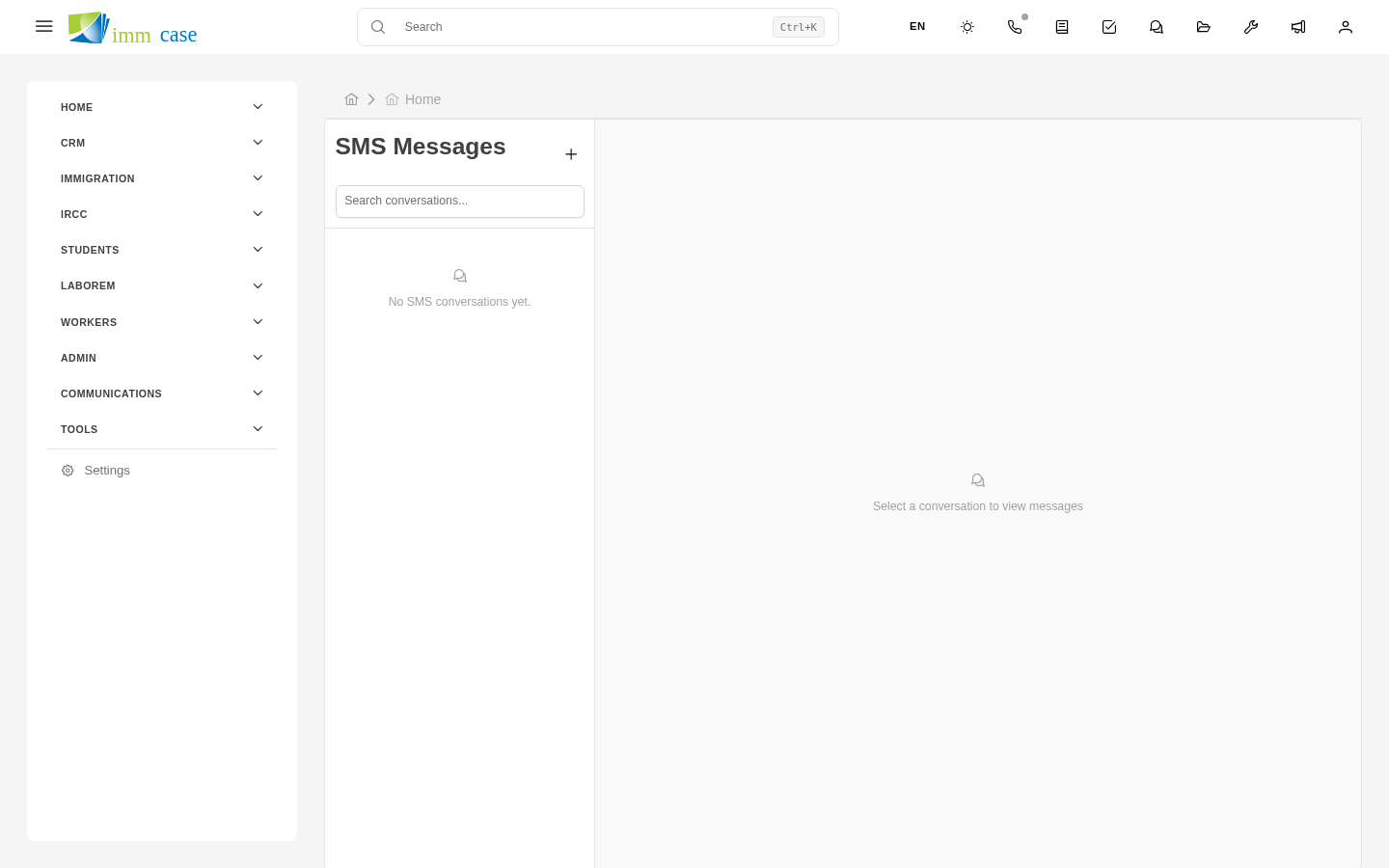
Receive SMS
If the client replies to the SMS:
- It arrives in your ImmCase inbox.
- It's automatically linked to the applicant if their phone is recognized.
- You get a notification.
You can reply from the conversation, just like a WhatsApp chat.
SMS history
Every applicant has an SMS tab showing every sent and received message, in chronological order. Like a messaging conversation.
Cost
SMS costs money — your practice pays the provider per message. Typical prices:
- SMS within Canada / US: a few cents per message.
- International SMS: can be 10× more expensive.
Your administrator decides whether all users can send SMS or only certain roles. If you find it locked, it's for cost control.
When SMS vs. email
| For… | Use |
|---|---|
| Short urgent reminder | SMS |
| Detailed information or attachments | |
| Appointment notice or reschedule | SMS |
| IRCC response with explanation | |
| Confirmation of payment received | SMS (short) or email (formal) |
Watch out for
- 160 characters is the per-SMS limit, not the field's. If you type 200, it goes out as two messages (and bills as two). The form's counter warns you.
- Don't send sensitive info by SMS. SMS is not encrypted. Don't send passwords, passport numbers, banking data, or detailed legal decisions by SMS.
- Respect the time of day. Sending an SMS at 11pm to a client is rude. ImmCase may be configured with a time-window limit — ask your administrator.
- It's not WhatsApp. SMS goes to the phone regardless of whether the client uses WhatsApp. If you want to use WhatsApp, your practice needs the WhatsApp Business integration — ask your administrator.