IRCC integration
Why this matters
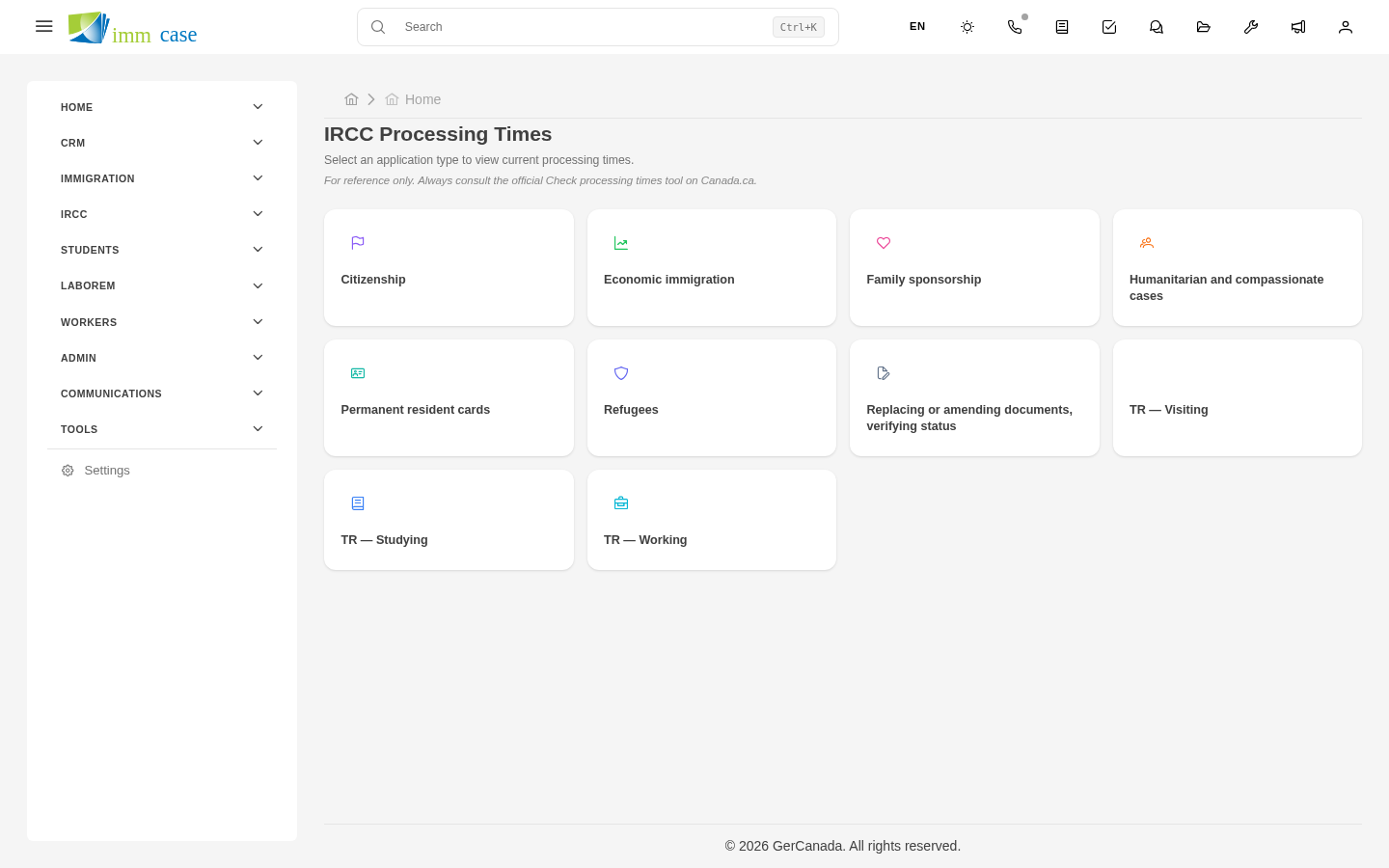
IRCC integration is what connects ImmCase with Immigration, Refugees and Citizenship Canada systems to look up case statuses, receive automatic updates, and reduce manual work of checking the IRCC portal every day for every applicant. Instead of signing into IRCC every morning, opening every case, and seeing if there's news, ImmCase brings updates to your dashboard.
What the integration offers
- Automatic status check — for cases with IRCC file number captured, ImmCase periodically queries the portal and updates the status on the case.
- Change notifications — if IRCC moves a case from "Pending" to "Decision", you receive an alert.
- Chronological history — every status change is logged in the case's activity timeline.
- IRCC RSS feed import — news and policy changes appear on your dashboard without visiting canada.ca.
Configure the integration
- Sidebar → Settings → IRCC integration.
- Fill in:
- Access token (provided by ImmTools — see next chapter).
- Query frequency — every how many hours/days to check (recommended: 12 hours).
- Notifications — who receives status-change alerts.
- Activate.
ImmCase starts querying the portal automatically for every case with an IRCC file number.
Capture the IRCC file number on a case
For the integration to work, each case must have its IRCC file number captured:
- Open the case → Edit.
- IRCC file number field (typical format:
WP-XXXXXXXfor work permits,PR-XXXXXXXfor permanent residence, etc.). - Save.
Without this number, the integration doesn't know what case to query at IRCC. The field is filled after submission, when IRCC assigns the number.
See status changes
When IRCC updates a case:
- ImmCase detects the change on the next automatic query.
- Updates the case's IRCC status field.
- Adds an entry to the activity timeline ("Change detected: Pending → Decision").
- If you configured notifications, an alert reaches you.
The user can also force a manual query with the Query IRCC now button on the case detail.
IRCC news feeds
In the IRCC News panel (may appear as a widget on your dashboard) you see:
- Recent policy changes.
- New or suspended program announcements.
- Fee and procedure updates.
It's IRCC's official RSS feed integrated into ImmCase — saves you visiting canada.ca to stay current.
Watch out for
- Don't overuse query frequency. If you configure 5-minute queries for 1,000 cases, you generate 12,000 requests per hour to IRCC. IRCC may rate-limit your token or ban your IP. 12 hours or daily is reasonable.
- The IRCC status in ImmCase is informational, not official. For legal decisions and client communication, always verify directly on the IRCC portal. ImmCase may have read before a change that IRCC hasn't yet marked definitive.
- The integration doesn't submit applications to IRCC. It only reads. For submission, you still use the IRCC portal manually.
- The access token expires. Each year (or per ImmTools policy) it must be renewed. ImmCase warns you as the date approaches.
Where to next
- ImmTools — access token and related tools.
- Students module — specialized workflow for study cases.