ImmTools
Why this matters
ImmTools is an external service associated with ImmCase that provides advanced immigration tools: CRS analysis for Express Entry, eligibility simulation, NOC code verification, program evaluation, automatic generation of responses to procedural fairness letters, and more.
To use it, your practice must have an active ImmTools token, managed from ImmCase but requiring a subscription/contract with the ImmTools provider.
Enable ImmTools in your installation
- If your practice has a contract with ImmTools, you received a provisioning token from the provider.
- In ImmCase → Settings → ImmTools → Activate.
- Paste the token → Verify.
- If the token is valid, ImmCase unlocks ImmTools functions.
From here on, several ImmCase sections offer extended functionality when ImmTools is active.
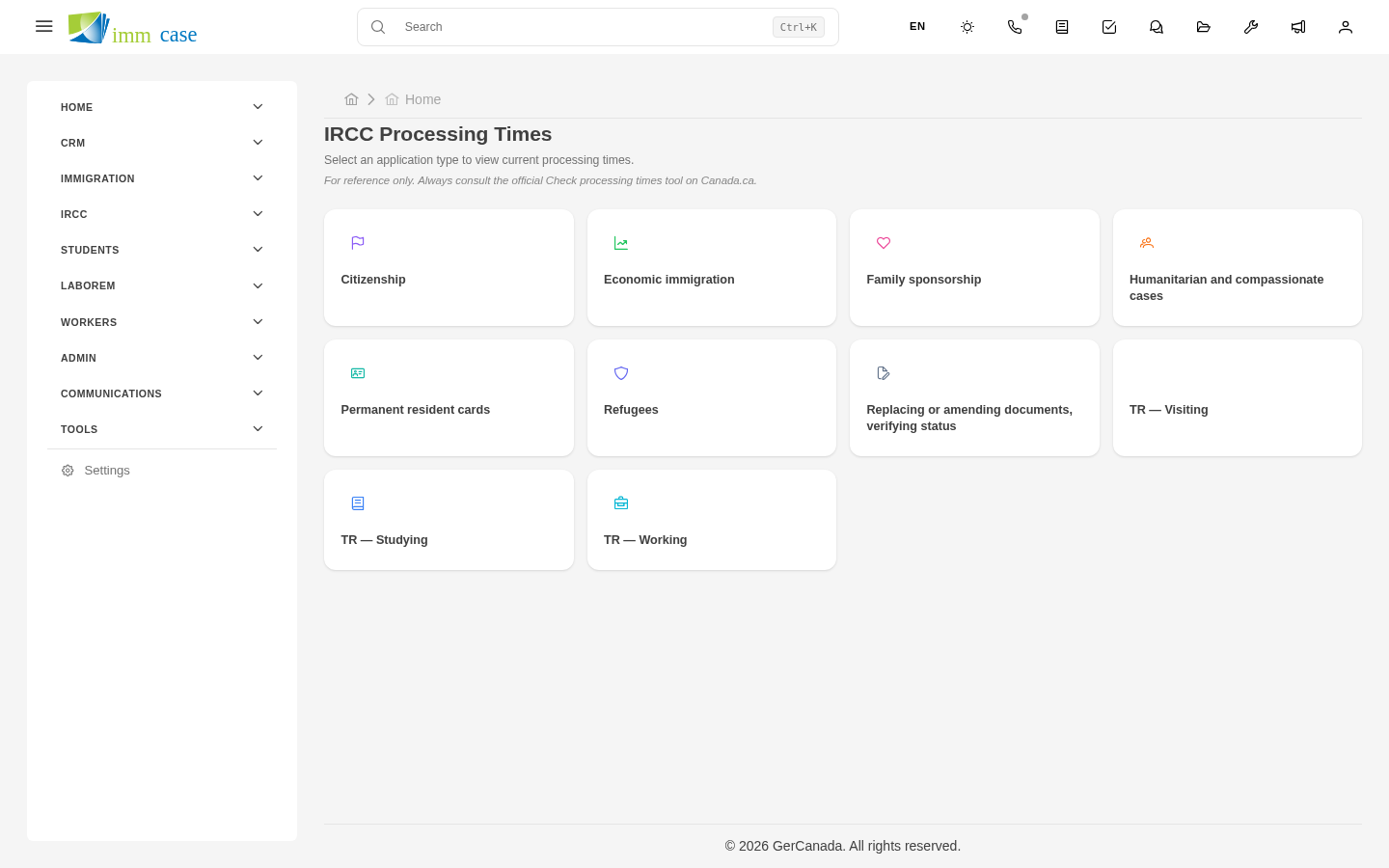
What ImmTools unlocks
CRS analysis for Express Entry
From the detail of an applicant or case (if the integration is active), Calculate CRS button:
- ImmCase takes the applicant's data (age, education, languages, work experience).
- Sends to ImmTools which applies IRCC's official rules.
- Receives the CRS score, with a breakdown by category.
- Shows you recommendations to improve (which job program, which language certification).
NOC verification
When capturing an applicant's occupation in an LMIA or Express Entry case, ImmTools confirms:
- The current NOC code for that occupation.
- Whether the occupation is eligible for the program you're considering.
- Typical NOC tasks and requirements.
Program evaluation
Evaluate eligibility button on a case:
- ImmTools analyzes the applicant's profile against every current IRCC program.
- Returns a prioritized list: programs they qualify for, marginal programs, excluded programs.
- Useful when an applicant arrives without knowing which program suits them.
Advanced letter templates
ImmTools provides pre-built templates for:
- Responses to procedural fairness letters.
- Refuge motivation letters.
- LMIA offer letters.
- Pleas / humanitarian motives.
These templates are legally reviewed — more reliable than rewriting from scratch.
Limitations
- Usage quotas — the token has a monthly query limit per your plan. If you exhaust it, certain functions block until the next cycle.
- Doesn't replace your professional judgment — ImmTools is a support tool. Legal immigration decisions remain your responsibility as RCIC.
- IRCC rules change fast. ImmTools updates, but there can be a lag of days between a new policy and the service update.
Renew the token
When the token is about to expire:
- Contact your ImmTools provider.
- Receive a new token.
- In ImmCase → Settings → ImmTools → Renew token → paste the new one.
Remember to do it before expiration to avoid service interruption.
Watch out for
- Keep the token private. If leaked, others can use your ImmTools quota.
- Don't rely exclusively on ImmTools results without verification. Treat the result as a qualified second opinion, not as a verdict.
- When IRCC changes rules, verify. If a new policy comes out today and ImmTools hasn't incorporated it, its answers may be momentarily out of date.
Where to next
- IRCC integration — the ImmTools token also provides access to IRCC queries.
- IMM forms — generation with ImmTools' help.