Find duplicates
Why this matters
In any practice with several consultants entering applicants, leads, or companies, you end up with duplicates: two records of the same client with name variations, two companies with different registered names but the same tax ID. Duplicates break reports, generate duplicate emails to clients, and confuse the team.
Find duplicates is a tool that detects duplicate candidates in any of your practice's modules and lets you merge them into a single canonical record.
Get to the tool
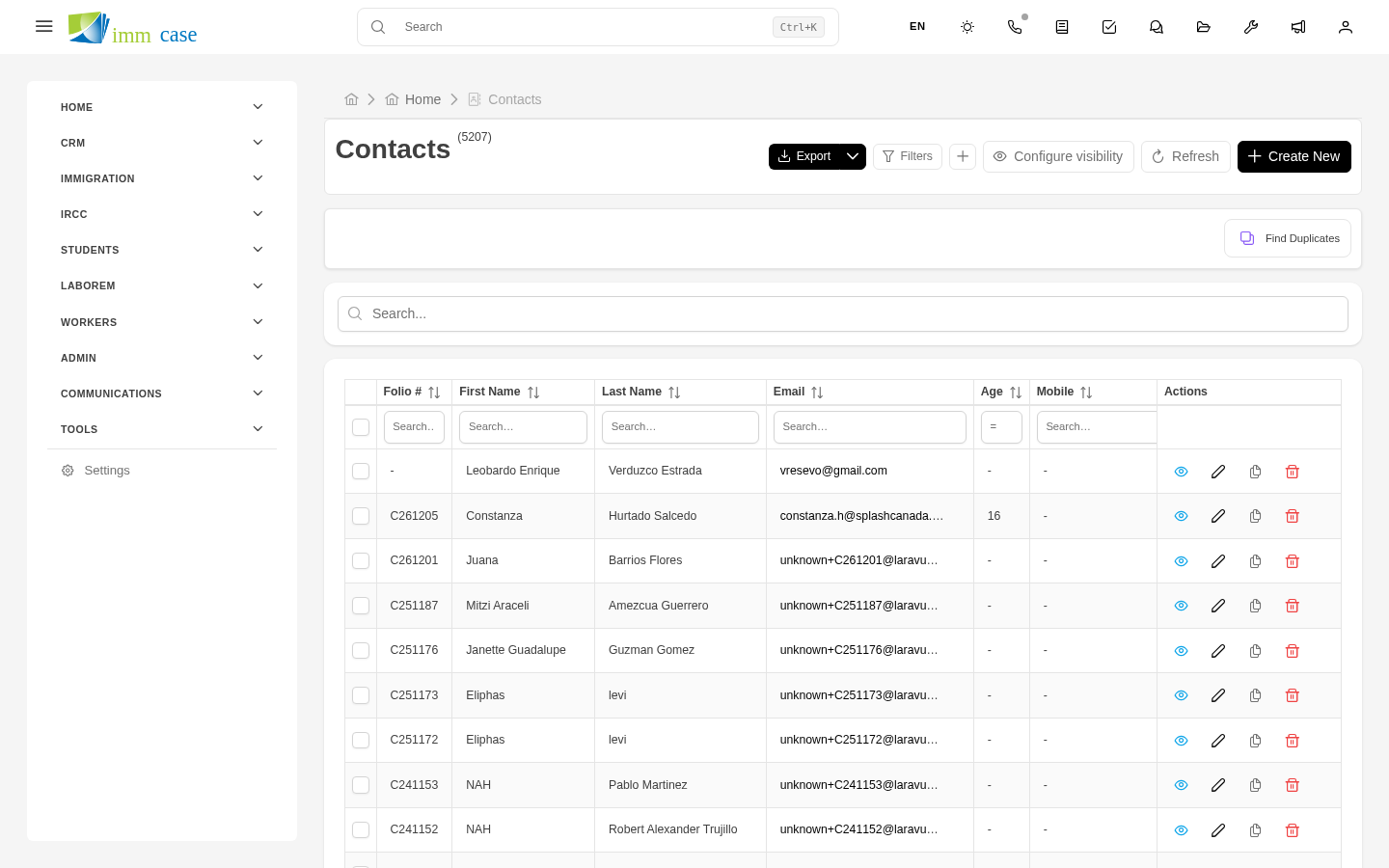
In any entity-type module (Applicants, Companies, Cases, Leads), Find duplicates button in the top bar of the list view.
How detection works
ImmCase uses two strategies:
- Exact match — same email, same phone, same passport number. High confidence.
- Approximate match (with pg_trgm) — similar but not identical names. For example, "María García" and "Maria Garcia López" may be the same person.
Results are grouped: each group is a set of records ImmCase suspects are the same thing. Each group has a confidence score (high, medium, low).
Review a duplicate group
Pick a group:
- ImmCase shows all the group's records side by side.
- Compare field by field: name, email, phone, date of birth, passport number.
- Decide:
- They are duplicates → proceed to merge.
- They aren't duplicates → mark "ignore this group" so it doesn't reappear.
Merge duplicates
- Select the records in the group that are duplicates.
- Pick the surviving record (the one that will stay). By convention, the oldest or the most complete.
- For each field, pick which record to take the value from (after merging, the survivor has the combination you assembled).
- Merge.
ImmCase: - Keeps the surviving record. - Reassigns every relationship from the other records to the survivor: cases, quotes, invoices, emails, files, comments. - Moves auto-folders to the survivor so documents aren't lost. - Marks the other records as deleted (soft-delete).
Permissions
Merging requires delete permission on the module. If you don't have it, you can detect duplicates but not merge — pass the list to a colleague with permissions or an administrator.
When to run find duplicates
- Before generating monthly reports — duplicates inflate numbers.
- After importing data (from Excel, from Vtiger) — importers are the main duplicate generators.
- When a new consultant joins — clean up before they add more data.
Watch out for
- Merging is irreversible. Once merged, deleted records can be restored but the reassigned relationships are not un-reassigned automatically. Before merging, study the group. If in doubt, mark as ignore and consult with a colleague.
- Don't merge different applicants with similar names. "Juan Pérez" and "Juan Pérez Domínguez" may be different people. Verify date of birth, passport number, or other unique data before merging.
- Approximate detection generates false positives. It's normal for ImmCase to suggest groups that, on review, aren't duplicates. Mark as ignore and move on.
- Don't abuse merging "to clean up". If two records are distinct but similar (two sisters with the same surname and address), they aren't duplicates — they're separate valid entities.
Where to next
- Web forms — common duplicate source (client fills the form twice).
- In Part 6 (Administration), configure automatic detection criteria.