Workers module
Why this matters
The Workers module is for LMIA (Labour Market Impact Assessment) cases: when a Canadian employer wants to hire a foreign worker and needs ESDC (Employment and Social Development Canada) authorization before IRCC grants the work permit.
These cases are different from a simple work permit — they involve the employer as co-applicant, require posting the job, justifying the Canadian recruitment effort, and meeting wage and conditions per NOC.
What a Workers record includes
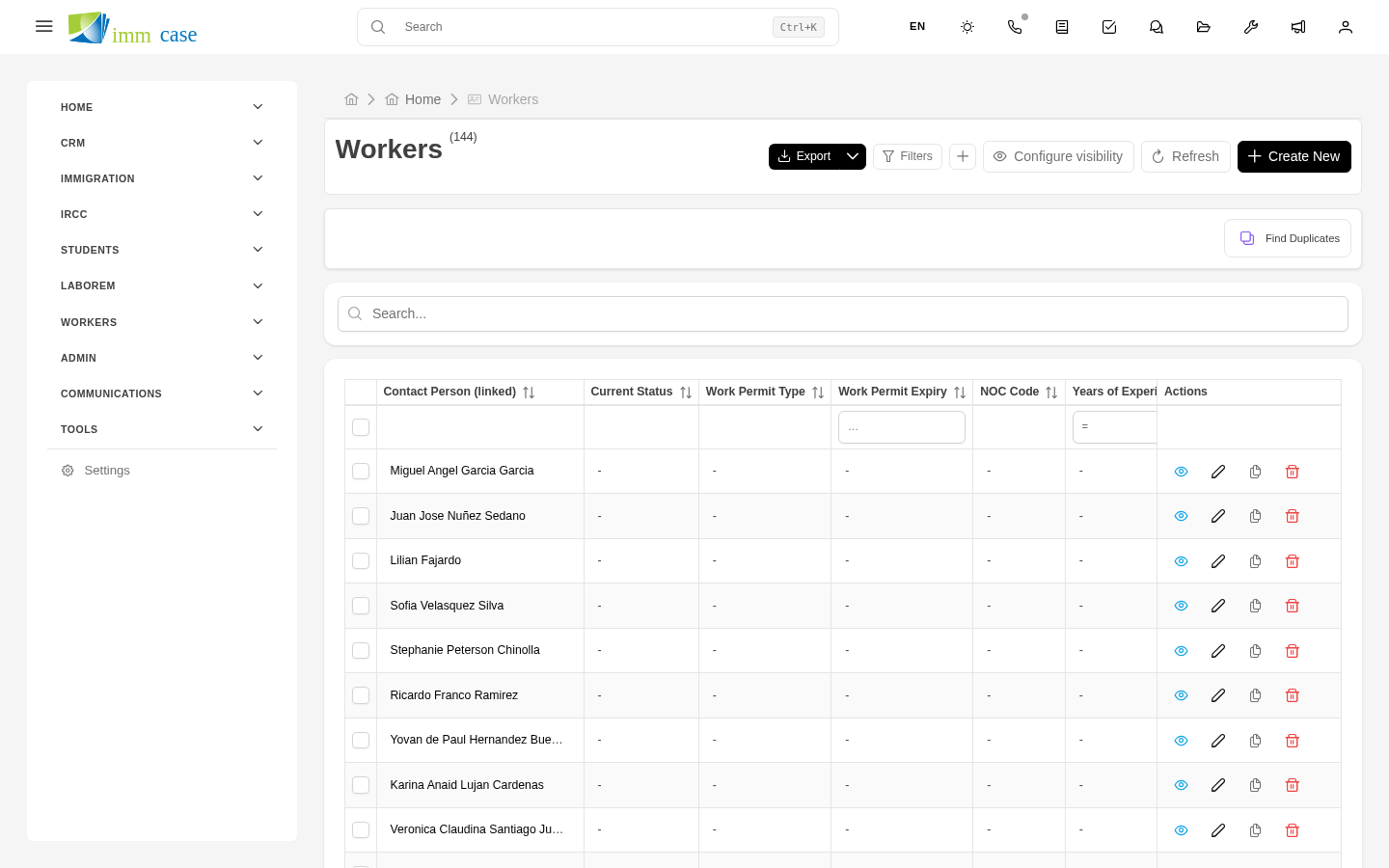
Each Workers case has the basic fields plus:
- Employer (relation to Company) — who's hiring.
- Position offered and NOC code.
- Wage offered (annual or hourly) and comparison to the official NOC average.
- LMIA type — high-wage, low-wage, agricultural, in-home caregiver, etc.
- Recruitment effort — what the employer did to hire a Canadian first (ads, dates, candidates interviewed).
- Justification of Canadian unavailability.
- Expected employment start date.
- Employment duration — temporary or permanent.
Employer-worker co-relationship
Workers handles two sides of the same transaction:
- Employer (Company) with address, employee count, history of approved and refused LMIAs.
- Worker (Applicant) with their data, experience, and background.
Each case connects the two. If the employer files several LMIAs in parallel, you see the list of associated cases from the employer's detail.
Typical workflows in Workers
- On Workers case creation → compute minimum NOC wage and compare against offer.
- On uploading job-posting proof → move to "Recruitment documentation complete".
- On receiving approved LMIA → notify employer and worker, generate template to send signed offer letter.
- 30 days before LMIA expiration → reminder to file work permit with IRCC.
Reports
Pre-built reports:
- LMIAs per employer — which corporate clients are most active.
- ESDC approval rate — by LMIA type, by industry, by consultant.
- Wages offered vs NOC average — are you recommending competitive offers?
Difference with regular Applicants
A worker in LMIA is also an applicant in the system. The difference:
- Regular case → a normal applicant.
- Workers-type case → the applicant is linked to a Company (employer) as a mandatory second actor.
If you don't use the Workers module, you can do an LMIA case with the regular Applicants module + custom fields. But you lose specific logic (NOC wage calculation, LMIA validation, specialized reports).
Watch out for
- NOC codes were renumbered in 2022 (version 2021). If you have old cases with NOC 2016 codes, they don't mean the same in NOC 2021. Verify when reviving an old case.
- The LMIA wage must equal or exceed the Canadian average for that NOC in that province. If the employer offers less, the LMIA is rejected. ImmCase can query the automatic calculation via ImmTools.
- Employers with bad history face more scrutiny. If the "Previous employer with denied LMIA" field is checked on the Company, consider additional attention to the file.