Email templates (creation)
Why this matters
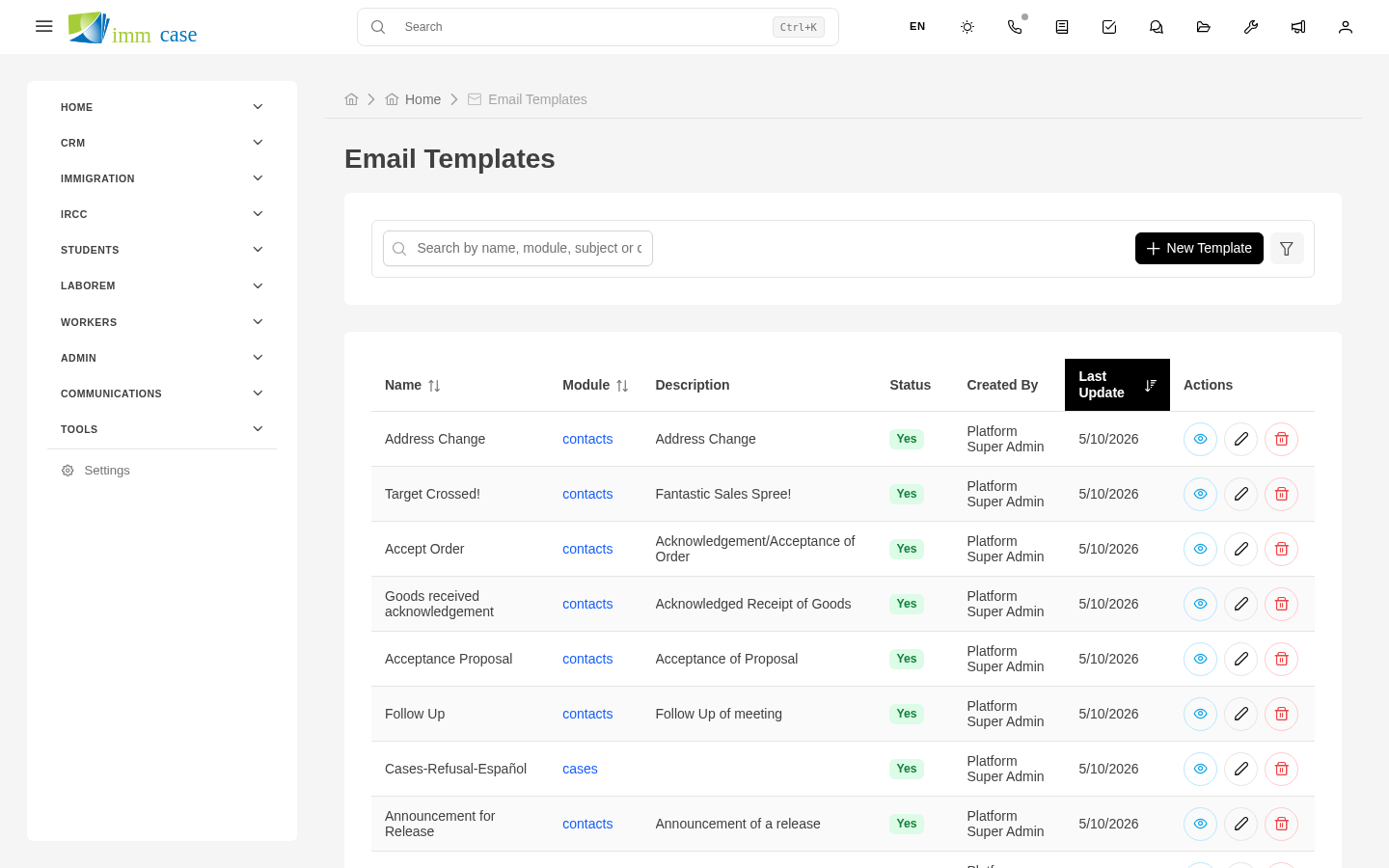
Email templates make client communication consistent and save your team's time. This page covers how to create and maintain them. User-side usage is in Email templates (usage).
Create a template
- Sidebar → Settings → Email templates → Create.
- Fill in:
- Name ("New applicant welcome ES", "Payment confirmation EN", "Document request FR").
- Module it's used on.
- Language.
- Subject of the email (with dynamic tokens).
- Body of the email (with dynamic tokens and formatting).
- Optional pre-included attachments.
- Save.
Tokens in email templates
Like PDF templates, you use tokens:
{{applicant_name}}{{case_folio}}{{responsible_consultant}}(the case's consultant name){{signature}}(the sending consultant's signature){{client_portal_link}}(if your practice uses a portal)
Full list: editor → Insert token.
Pre-included attachments
Some templates can come with default attachments:
- Static attachment — a specific PDF that always goes with this template (for example, "Applicant guide").
- Dynamically generated PDF — when using the template, ImmCase generates a PDF from another template (for example, the applicant's quote PDF) and attaches it.
Multilingual templates
The convention: one template per language. "Welcome ES", "Welcome EN", "Welcome FR" are three separate templates — easier to maintain than a single one with conditional language blocks.
ImmCase can auto-suggest the applicant's preferred-language template if:
- The applicant has a "Preferred language" field.
- Each template has its "Language" field set correctly.
Test a template
Before publishing:
- Preview button with a sample record.
- Verify tokens substitute.
- Send a test email to your own address.
Share or restrict
By default, created templates are available to the whole team. To restrict (for example, a "Formal apology for delay" template only partners can use), configure permissions:
- Template's Permissions tab.
- Restrict to a specific role or profile.
Watch out for
- Old templates with dated IRCC info. If IRCC renamed a program or process, update the relevant templates. Having "Express Entry" in a template when IRCC has already renamed it looks unprofessional.
- Signatures in templates. If you put your personal signature in a shared template, other consultants use it inadvertently. Better: use the
{{signature}}token that pulls the sending user's signature. - HTML with no plain-text alternative. Some mail clients don't render HTML — include a plain-text version for those.
Where to next
- Menu editor — customize the sidebar.
- SMTP configuration — the server that sends emails.