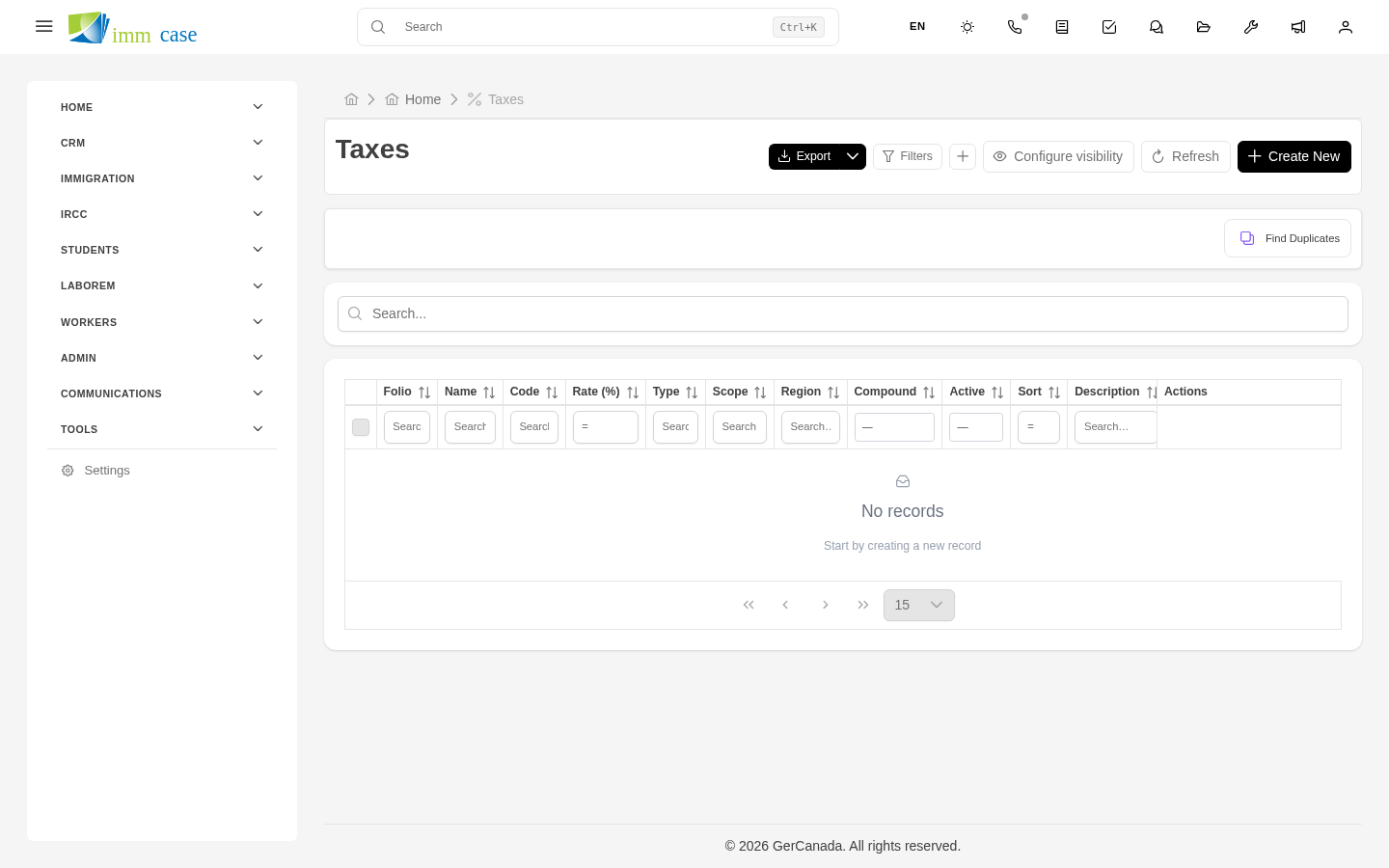
Taxes
Why this matters
Every province, state, and country has different rules for taxes on professional services. ImmCase doesn't decide which tax applies — your administrator configures that based on the jurisdictions where your practice bills — but it does make sure the correct tax is added on every line of a quote and invoice.
This page explains how taxes work from the day-to-day user's perspective. Configuring rates and jurisdictions is covered in Part 6 (Administration).
Common tax types
- HST — Canada, harmonized provinces (Ontario, New Brunswick, Nova Scotia, PEI, Newfoundland).
- GST + PST — Canada, non-harmonized provinces (Manitoba, Saskatchewan, British Columbia).
- GST + QST — Canada, Quebec.
- GST only — Canada, Alberta, Yukon, NWT, Nunavut.
- VAT / IVA — Mexico and most of Latin America.
- Exempt — some services or jurisdictions don't incur tax.
Each one is loaded in ImmCase with its rate and behavior (compounding vs. additive, withheld vs. passed through).
How the tax gets applied
When adding a line item:
- You pick a product (or type a free-form line).
- ImmCase automatically applies the product's default tax.
- If the applicant is in a different jurisdiction, change the tax on the line using the selector.
The total at the foot of the quote/invoice sums: - Line item subtotal. - Discounts. - Taxes (one or several, depending on the lines). - Final total.
Exempt services
Some services don't incur tax (for example, certain professional services in specific jurisdictions). When building the line, pick the Exempt tax (or the equivalent on your list).
Exempt services show up tax-free in the breakdown, which is important so the client clearly sees why their invoice is the way it is.
Change the tax on a line
If a product defaults to HST 13% but you're billing a client in Alberta (where only GST 5% applies):
- On the line, open the tax selector.
- Pick GST 5%.
- The total recalculates instantly.
The change applies only to that line. If every line of the document should use a different tax, change them one by one or ask your administrator to create a default view.
Watch out for
- Don't edit tax rates from the module. A tax's rate is managed by your administrator in Settings. If you think it's wrong, report it — changing them affects the whole practice.
- The line's tax freezes on save. If after saving an invoice your administrator raises the HST rate from 13% to 14%, old invoices keep 13% — fiscally correct at the time of issue. New ones use 14%.
- Government fees typically don't incur tax. If you pass the cost of IRCC biometrics to the client, don't add HST to it — it's a pass-through cost, not your service. Configure it as a tax-free product.
Where to next
- Line items — the internal structure of a quote or invoice.
- In Part 6 (Administration), the tax configuration.