API tokens
Why this matters
An API token is like a password but for programs, not people. It allows external applications (another tool in your practice, an automated script, a Zapier) to read or write data in ImmCase without needing to sign in as a human user.
Typical uses:
- Sync your applicant base with Mailchimp or HubSpot.
- Connect ImmCase with an external accounting system.
- Automate tasks with scripts (import data from a periodic Excel).
- Custom mobile app reading data from ImmCase.
Create a token
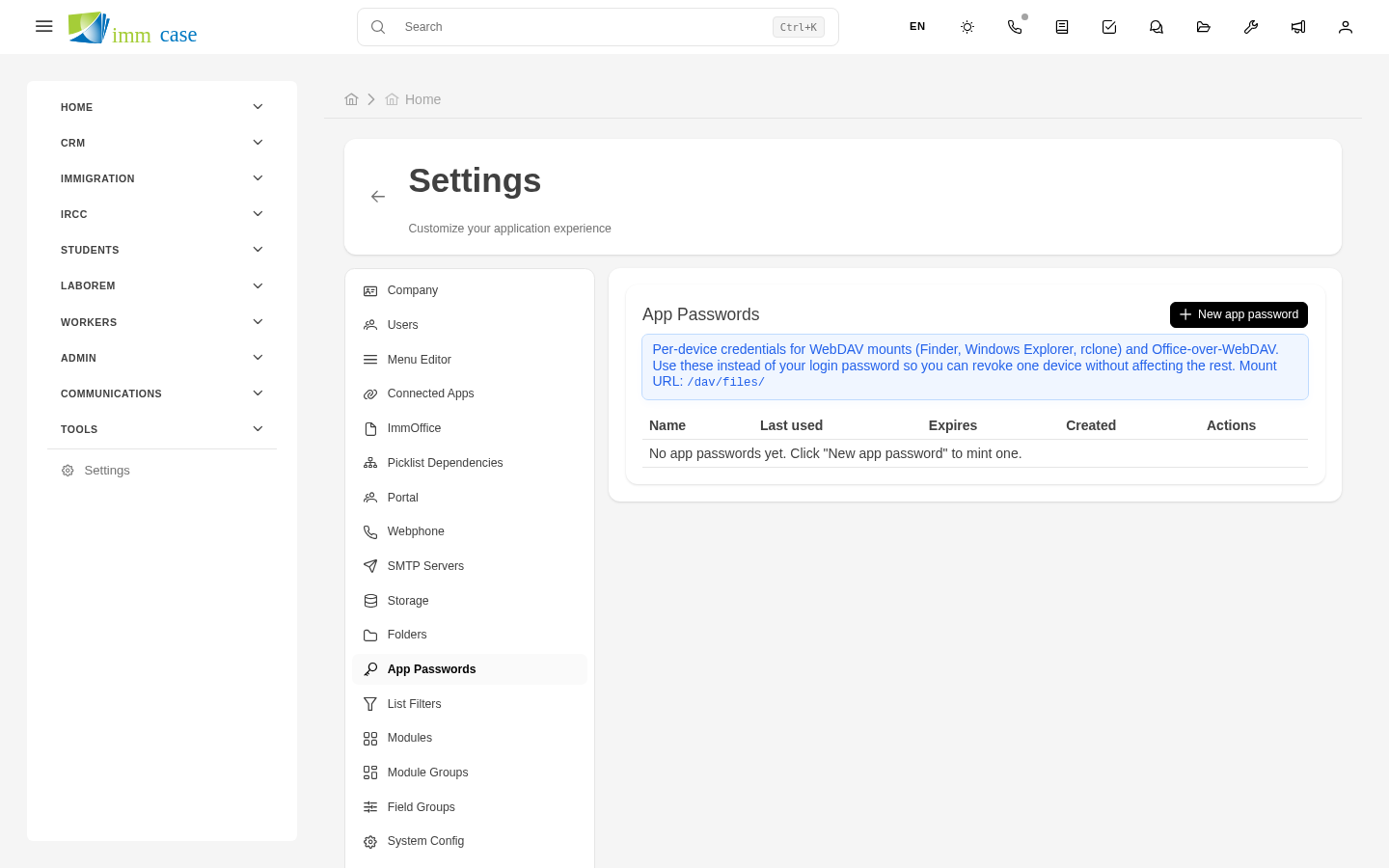
- Sidebar → Settings → API tokens → Create.
- Fill in:
- Name of the token (why it exists — "Mailchimp sync", "Importer script").
- Scope — what the token can do. Read-only, read+write, specific modules.
- Expiration — date the token stops working. Recommended: max 1 year.
- Generate.
- Copy the token immediately — it's shown only once. If you lose it, generate a new one.
Use the token
Whoever consumes the ImmCase API includes the token in every HTTP request:
Full API technical docs are maintained by the development team. For administrators: what matters is generating the right token with the minimum permissions needed.
Revoke a token
If a token is compromised (you accidentally pushed it to a public repo, someone exposed it):
- Open the token → Revoke immediately.
- Generate a new one.
- Update the app that used it.
The revoked token stops working instantly. Requests with the old token receive 401 Unauthorized.
Usage audit
Each token has a usage log:
- Last time used.
- How many requests in the last day/week/month.
- From which IPs.
Useful to detect abnormal use — if a "Mailchimp sync" token starts making thousands of requests from an unusual IP, there's a problem.
Best practices
- One token per integration, not a "do-everything" token. Revoking one doesn't break everything.
- Minimum permissions — if it only needs to read applicants, don't give it delete permission.
- Short expiration — rotating tokens yearly is good hygiene.
- Tokens in environment variables, not in code. Never push a token to Git.
Watch out for
- Tokens are secrets. Treat every token like a password. If leaked, revoke.
- Tokens without scope = open door. An unrestricted token can do anything a user would do. Always limit.
- Don't reuse tokens across environments (production and test). If something happens in test, you don't want it affecting production.
Where to next
- Practice profile — tenant general info.
- Audit — change trail.